Image Gallery Options
Many options available to create amazing portfolio listing pages.
Post Options
Below this point all the options are only works with image gallery page template types.
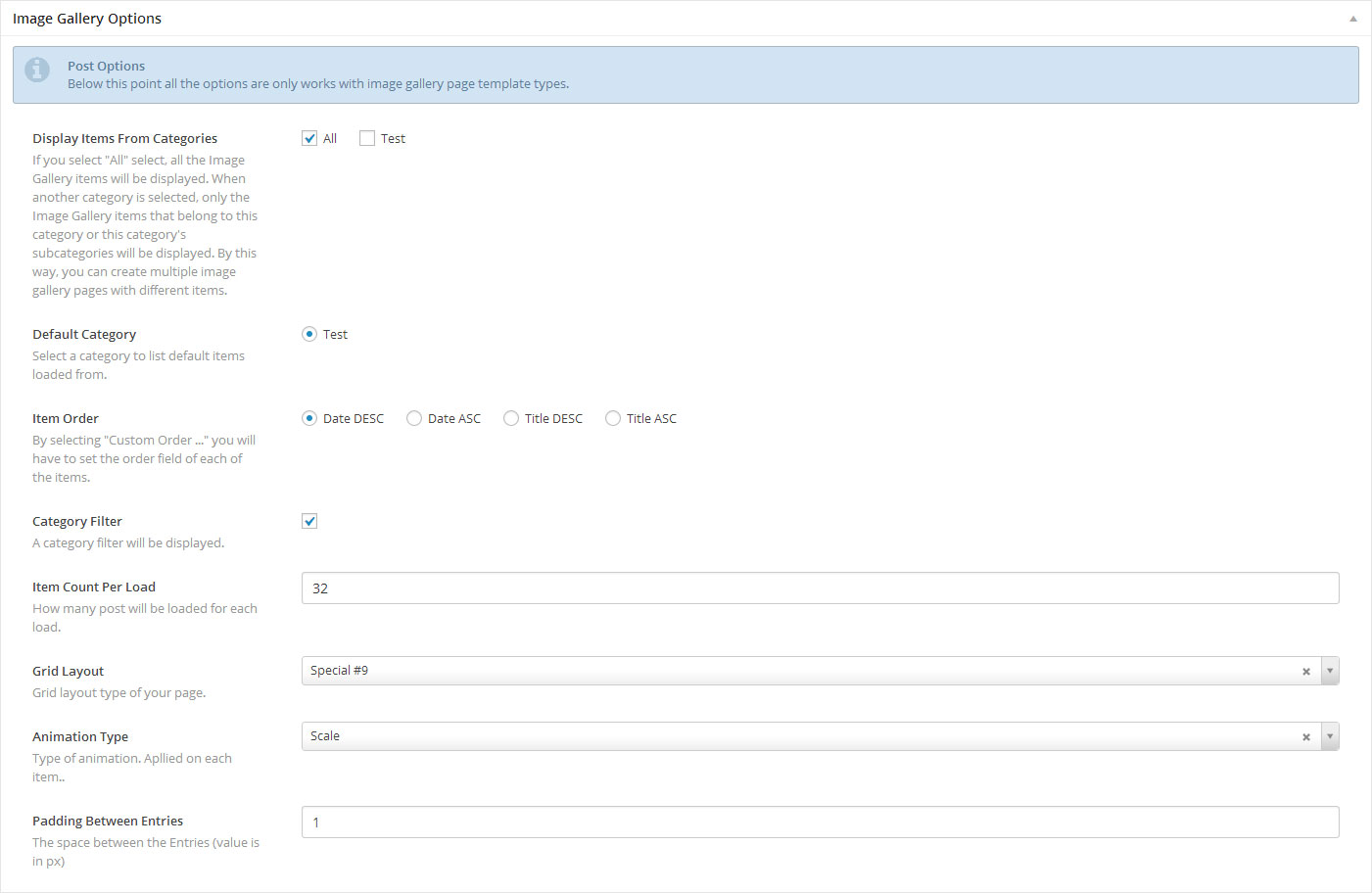
Display Items From Categories: If you select “All” select, all the Blog items will be displayed. When another category is selected, only the Blog items that belong to this category or this category’s subcategories will be displayed. By this way, you can create multiple blog pages with different items. This option will help you to generate multiple blog pages in ease.
Item Order: Ordering of your post items. By selecting “Custom Order …” you will have to set the order field of each of the items.
Category Filter: Once checked, a category filter will be displayed.
Item Count Per Load: Not available for regular blog listing template. How many items could be loaded for click on “LOAD MORE” button or on initial load.
Scroll Type: “drag” or “scrollbar” scrolling.
Padding Between Entries: The space between the Entries (value is in px). Not available on Regular Blog.
Vertical Style Options
Below this point all the options are only works with Vertical Portfolio template types.
Grid Layout: Type of your grid layout. Not available on Regular Blog template. There are 19 options are available. Please see demonstration here;http://www.themepunch.com/codecanyon/megafoliopro/index-blog.html (outer link), click on “CLICK TO GIVE IT A TRY!” button.
Animation Type: There are 7 options available. Please see demonstration here; http://www.themepunch.com/codecanyon/megafoliopro/index-blog.html (outer link), click on “CLICK TO GIVE IT A TRY!” button.